 FAQ
FAQDownload Stint
Focus with money on the line, on every device you work on. Start on your phone, then link your computer.
Download on theApp Store

Or scan with
your phone
your phone
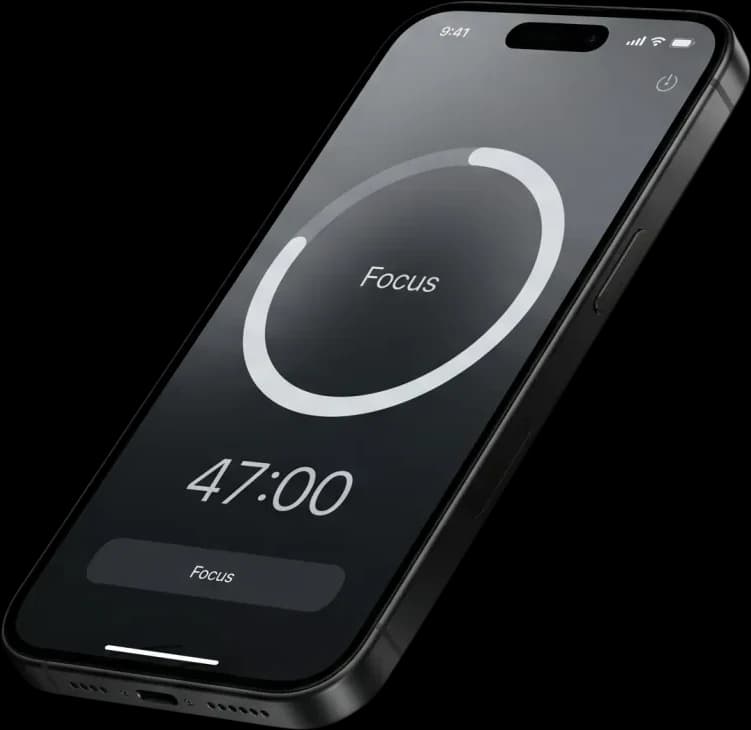
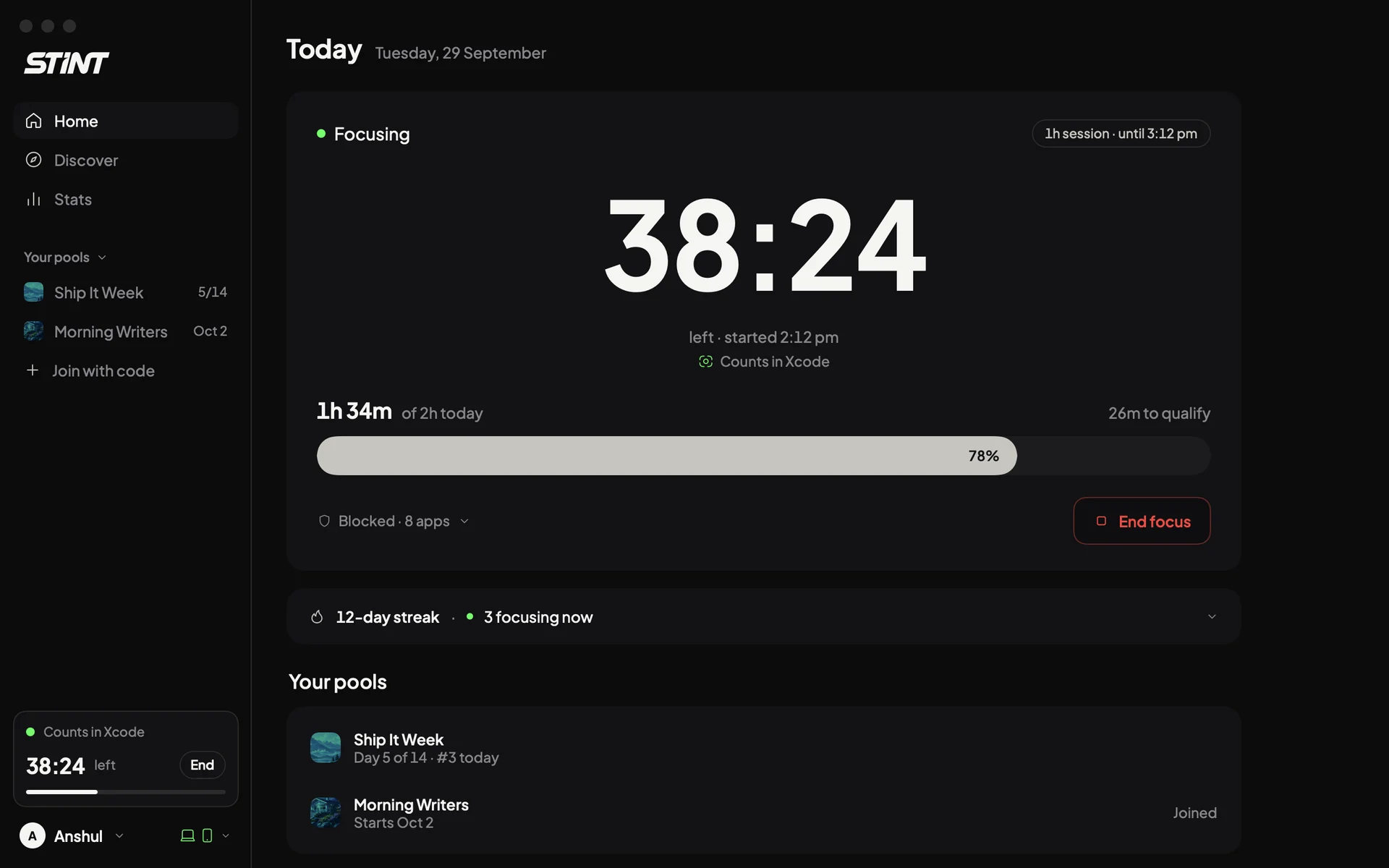
One account, every device
Your phone runs the challenge. Your computer and browser make sure the hours you put in count.
Phone
Start here. Your account, pools and sessions.
- Get
iPhone
iOS 18 or later
- Soon
Android
The same challenge on Android
Computer
Counts the work you do at your desk.
- Soon
Mac
Counts your work, blocks apps and sites
- Soon
Windows
Counts your work, blocks apps and sites
Browser
Blocks the sites you pick.
- Soon
Chrome
Also Brave and Arc
- Soon
Microsoft Edge
The same extension for Edge
Link your computer in three steps
- Step 1
Get the phone app
Create your account and join a pool.
- Step 2
Scan your computer
In Stint on your phone, open Settings, then Connected devices, and scan the code your computer shows.
- Step 3
Focus anywhere
Work on your computer counts toward the same session as your phone.